 Help Center
This feature allows staff members to access the system using a one-time password when they're unable to receive the standard login verification code. This alternative login method ensures you can still access your account even when facing authentication issues.
- Open Caction’s app and click on the question mark "?" icon at the top right corner of the page.

- Contact Admin for assistance to get the system generated OTP number to login.
(e.g : OTP generated by admin)

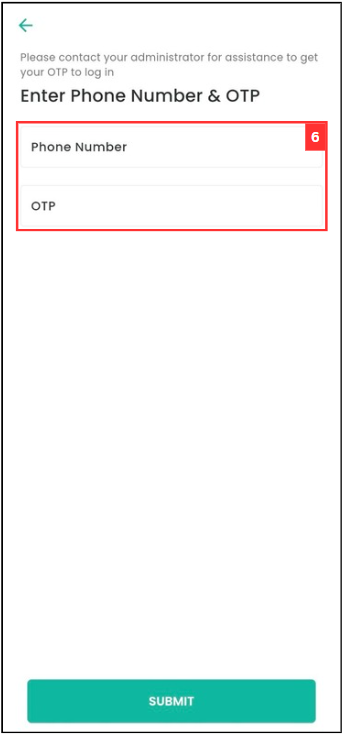
- Enter the phone number and system generated OTP number. Click “SUBMIT” to login the app.
Related Articles